
How to Play Ghoul Evolution
Controls, HUD, and the full click → bag → stage → Wins loop explained for brand-new players.
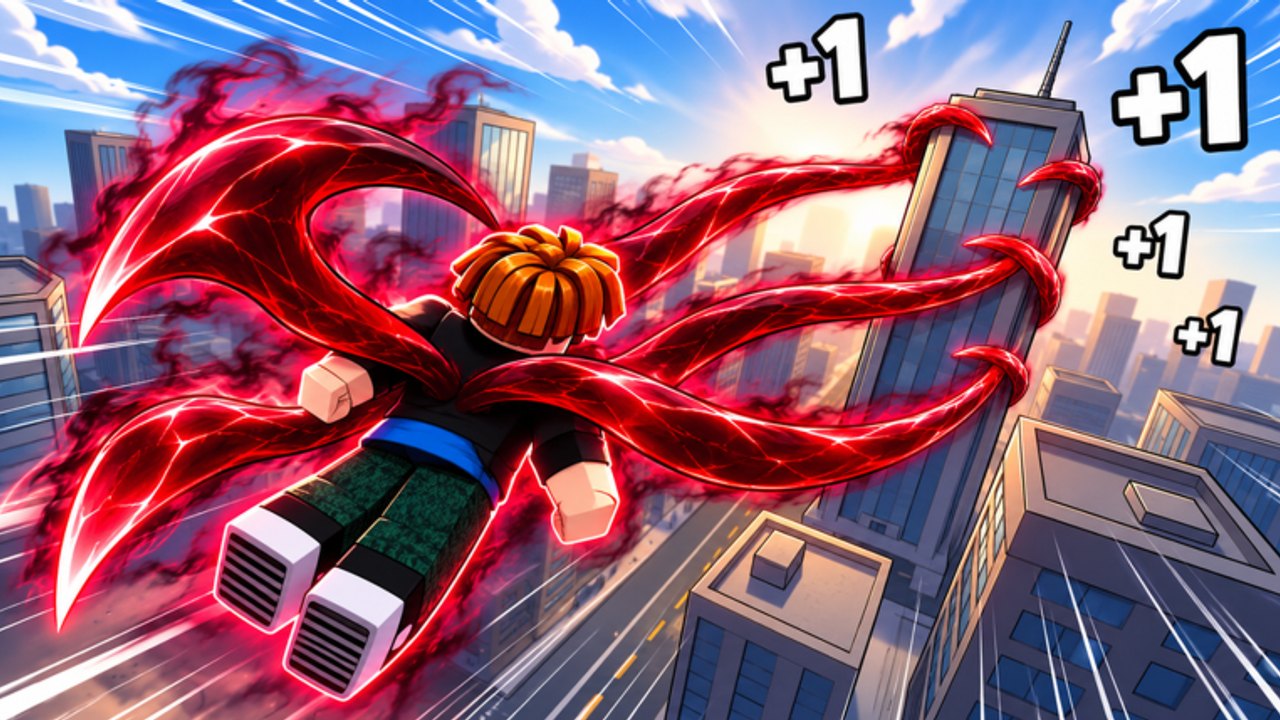
+1 Ghoul Evolution is a Roblox incremental simulator by smile for ccu. You join a server of up to 12 players, click for Power, train on punching bags, clear stages for Wins, unlock Kagunes, hatch pets and auras, rebirth for stronger multipliers, and keep gaining Power while offline. This How to Play guide is the controls-and-HUD companion to Getting Started: it answers “what do I press, what am I looking at, and what is the core loop?” without inventing hidden stats the client does not show.
Official place: play +1 Ghoul Evolution (place ID 129383120986892, universe 10773097147). Released October 26, 2026. Genre: Incremental Simulator. For the full guide map, open the Guides Hub.
What you are trying to do
Every productive minute should feed this pipeline:
- Gain Power — click for +1 Power, then graduate to punching bags.
- Clear stages — spend Power in combat to finish stages and earn Wins.
- Spend Wins — unlock Kagunes, pets, auras, and other progress tools.
- Multiply — equip pets and auras; use temporary rewards from codes.
- Rebirth — reset when the next hour after rebirth beats another hour of raw grinding (How to Rebirth).
- Claim offline Power — leave multipliers equipped so AFK time still pays (Offline Power).
If you only click and never bags, stages, or unlocks, the game feels stuck on purpose. The systems exist to stack, not to be ignored.
Controls and movement
Roblox defaults still apply. Expect:
- Move with WASD (keyboard) or the on-screen stick (mobile).
- Jump with Space / jump button when the map needs it.
- Camera with mouse drag or touch drag so you can find bags, stages, and shop UI.
- Click / tap the main Power action to gain +1 Power when you are not on a bag.
- Open menus from side or top HUD buttons (Codes, shop/unlock panels, inventory-style equip screens for pets and auras).
On mobile, keep thumbs away from the Codes button while farming so you do not open menus mid-click. On desktop, keep the Roblox window focused; a backgrounded client often feels less responsive for click-heavy play.
Exact button labels can shift with patches from smile for ccu. Trust the live HUD over any outdated screenshot.
Reading the HUD
A clean first session means knowing which numbers matter:
- Power — your combat and training fuel. Rising Power unlocks better bag use and stage clears.
- Wins — the spend currency from stages. Wins buy the unlocks that make later Power explode.
- Codes entry — paste strings exactly; see the Codes Hub for
GHOUL,WORLD3,THANKYOU,2KCCU, and2MVISITS. - Equip / collection panels — pets and auras only help when equipped. Empty slots during a farm block are wasted multipliers.
- Rebirth prompt — read confirmation text before you reset; it is authoritative for what carries.
You do not need a third-party overlay. Watch whether Power climbs during bags, whether stages finish, and whether Wins bank after clears.
Core loop in practice (first 30–45 minutes)
Minutes 0–5: Join the official experience, let the HUD finish loading, open Codes, redeem every active string, then leave the menu. Timed rewards should not sit unused while you AFK in chat.
Minutes 5–15: Click to seed Power, then find punching bags in the starter area. Train on the strongest bag you can use effectively. If a bag is contested in a full 12-player server, rotate instead of standing still — etiquette notes live on the Players Hub.
Minutes 15–30: Enter early stages when Power feels comfortable. Clear complete stages for Wins rather than bouncing between half-finished fights. World messaging (including World 3 era content tied to the WORLD3 code) means this is a multi-world climb — details in Worlds and Stages.
Minutes 30–45: Spend first meaningful Wins on a starter Kagune that makes stages easier, then evaluate pets and auras as multiplier tools. Use Kagune Tier List and the gameplay hatch guide Pets and Auras before dumping currency. Ranking priorities also sit on Pets and Auras Tier List.
Watch the loop, then copy the habits
The video embedded mid-page shows a real noob-to-pro style run in +1 Ghoul Evolution. Use it to recognize HUD placement, bag flow, and pacing, then return to your own checklist. It is the only video on this page.
Common “how do I play?” mistakes
- Ignoring codes on day one.
- Clicking forever instead of moving to punching bags.
- Entering stages with tiny Power and calling the game broken.
- Buying vanity unlocks before a stage-enabling Kagune.
- Leaving pets and auras unequipped during farm blocks.
- Rebirthing the moment the button appears without reading How to Rebirth.
- Logging out without preparing offline gains — fix that with Offline Power.
- Following unsafe automation pitches without reading the honest notes on the Scripts Hub.
Session templates you can copy
Ten-minute login
- Claim offline Power.
- Redeem any new codes.
- Short bag block.
- One stage push.
- Log out with best multipliers equipped.
Standard session
- Full code check on Codes.
- Bag route from Power Farming.
- Cluster of stage clears for Wins.
- Targeted shop spend using Tier List advice.
- Optional rebirth evaluation.
Platform and live-game context
+1 Ghoul Evolution runs on Roblox only, online with up to 12 players per server. Live population sits in the low thousands of concurrent players with millions of visits since launch, and the experience continues to receive updates (recently around mid-November 2026). That means UI labels and shop rows can move — re-check the client after major patches and skim the Updates Hub plus Links Hub for the official place.
What to open next
- First-day checklist depth: Getting Started
- Bag routes and boost timing: Power Farming
- Wins and world gates: Worlds and Stages
- Hatch and equip systems: Pets and Auras
- AFK claims: Offline Power
- Reset timing: How to Rebirth
Learn the HUD, keep the loop moving, and treat every minute as Power → Wins → multipliers. That is how you play Ghoul Evolution on purpose instead of by accident.
Frequently Asked Questions
Quick answers to the most common Ghoul Evolution questions.
How do you play +1 Ghoul Evolution?
Click for Power, train on punching bags, clear stages for Wins, spend Wins on Kagunes, pets, and auras, then rebirth when multipliers beat raw grinding. Claim offline Power between sessions.
What are the main controls?
Use standard Roblox move/jump/camera controls, click or tap for +1 Power, and open Codes plus shop or equip panels from the HUD buttons on the side or top of the screen.
What should I look at on the HUD?
Watch Power rising during bags, Wins after stage clears, Codes entry for free rewards, and equip panels so pets and auras stay active while you farm.
Is Ghoul Evolution single-player?
No. It is an online Roblox incremental with servers that hold up to 12 players, so expect shared training spaces during peak hours.
Where should I go after learning the controls?
Follow Getting Started for a timed first session, then Power Farming for bags and Offline Power for logout habits. Use Worlds and Stages when Wins gates appear.